Templates
Every template is a ready-made layout. Pick one, fill it with your content and it becomes part of your program. Templates with a data source can fill themselves, so your screens stay up to date without you. Read how templates fit in a program.
Title with content
A title with your own text, for announcements and short messages.
Fills itself from
JSONXMLMedium
One image, color or YouTube video from the media library.
Fills itself from
JSONXMLMedium with text
An image or video with a title and text next to it.
Fills itself from
JSONXML
Web frame
Another web page or widget, shown in a frame.
Horizontal cards
A row of cards with a picture, title and text.
Fills itself from
JSONXMLVertical cards
A column of cards with a picture, title and text.
Fills itself from
JSONXML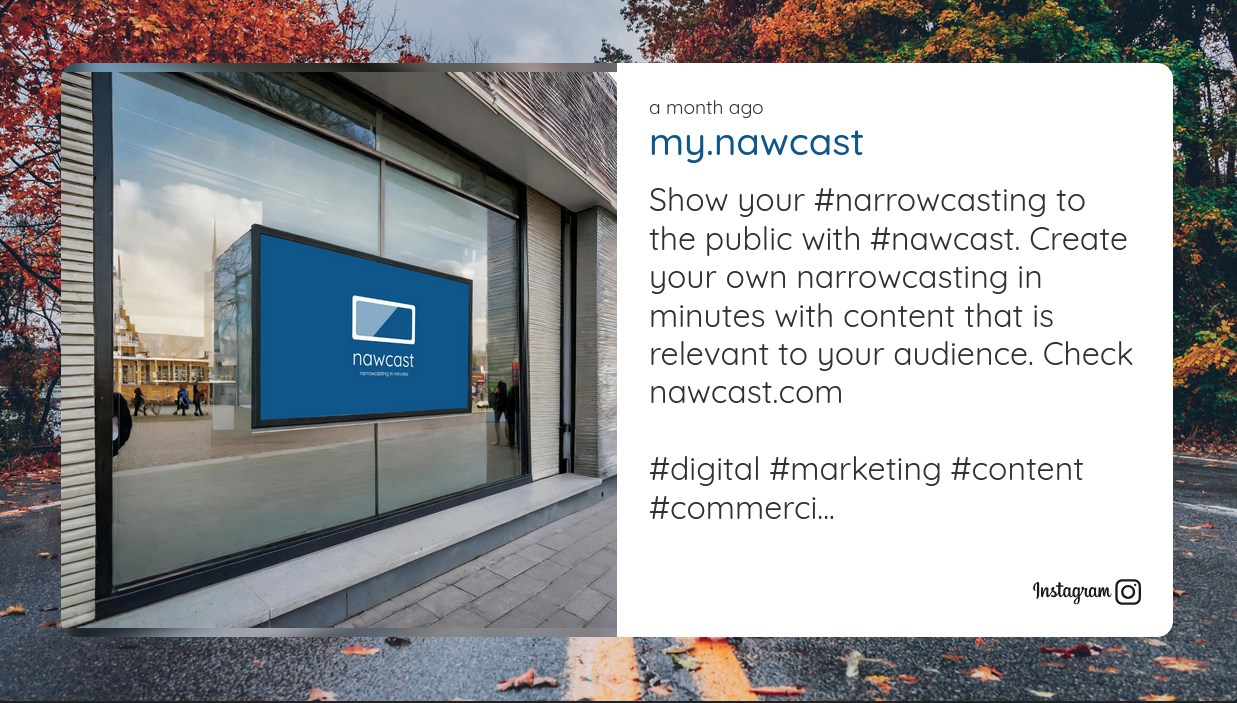
Social post
The latest post from a social media account.
Fills itself from
BlueskyMastodon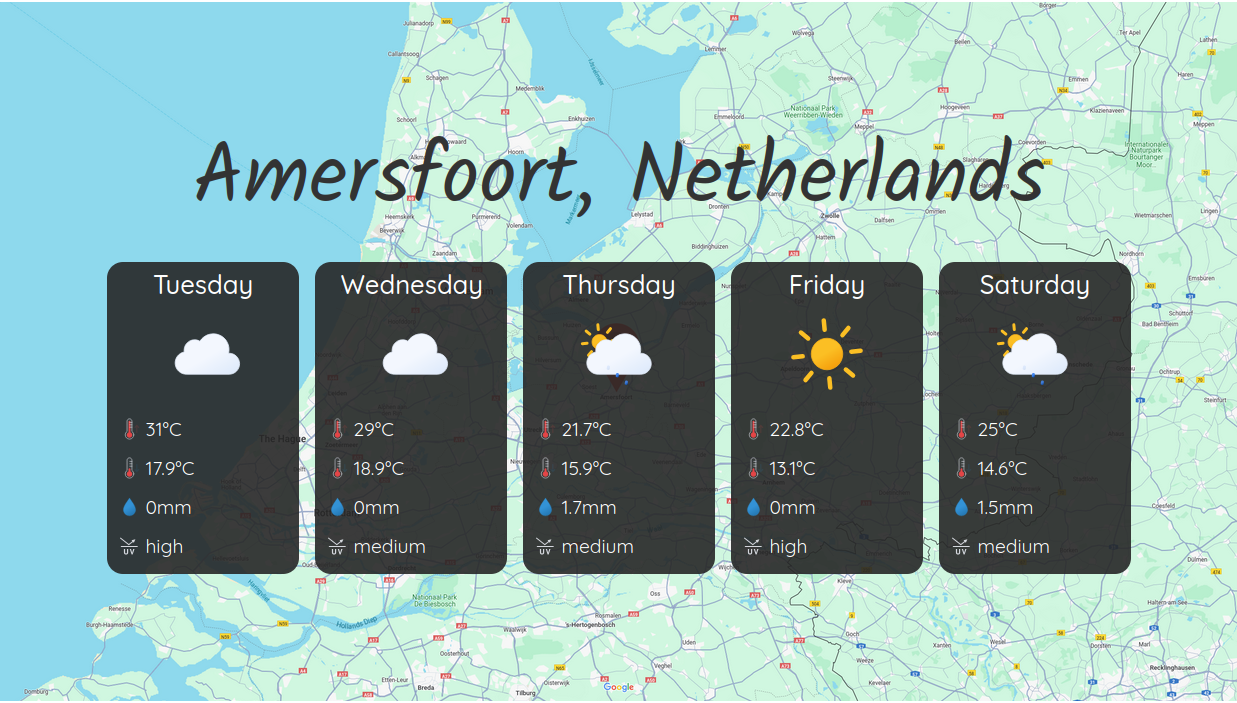
Weather forecast
The forecast for the upcoming hours or days.
Fills itself from
Weather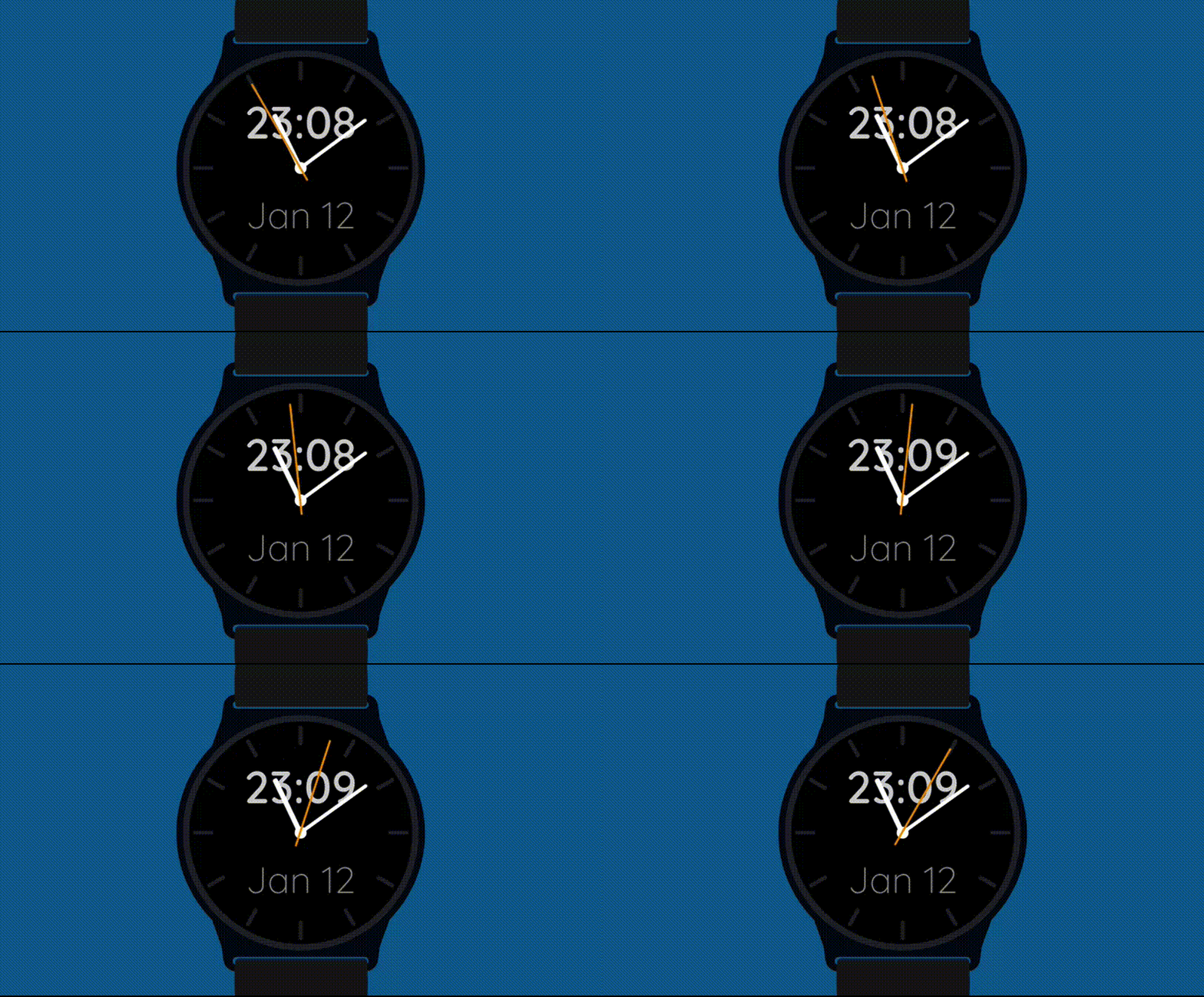
Clock
A clock or smartwatch with the current time.
See them in action
Every template adapts to your branding. Change colors, fonts, sizes and backgrounds, add animations, and the live preview shows the result while you work.
Your first program is ready in minutes, and the free plan is enough to see it running on a screen.
Start with a templateConvinced?
Since you've made it so far, why not give Nawcast a try? It's free, and you can delete your account if its not what you need.