How it works
Nawcast builds your narrowcasting from five parts. Once you know what each part does, you also know exactly where to go when you want to change something.
Programs
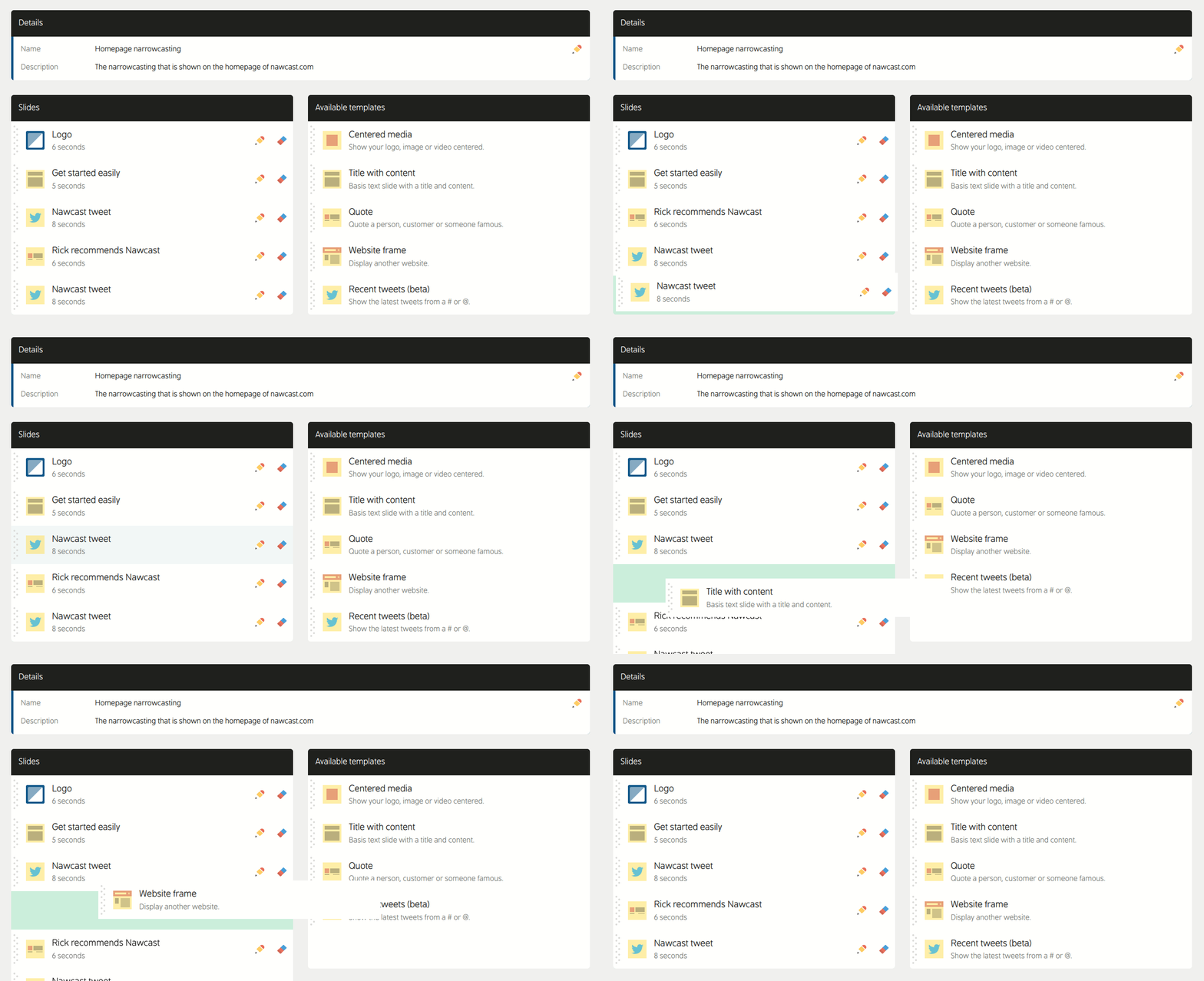
A program is the playlist of your narrowcasting. It is an ordered list of templates you have filled in, and each one is shown for the number of seconds you choose. After the last template the program starts over. Create as many programs as you need, for example one for the entrance and one for the canteen.
- Drag templates to change their order
- Choose how long each template is shown, from 3 to 60 seconds
- Duplicate a template you want to reuse
- Give a program its own default fonts and background
Templates
You never start from scratch. Drag a template into your program and fill it in the template editor, with a live preview next to it. The template decides the layout, you decide the content.
- Your own text, images and videos
- Colors, sizes and alignments
- Backgrounds and animations
- A choice of more than 1500 Google Fonts
There are templates for text, media, cards, social posts, the weather, the time and other web pages. See all templates.
Try the editor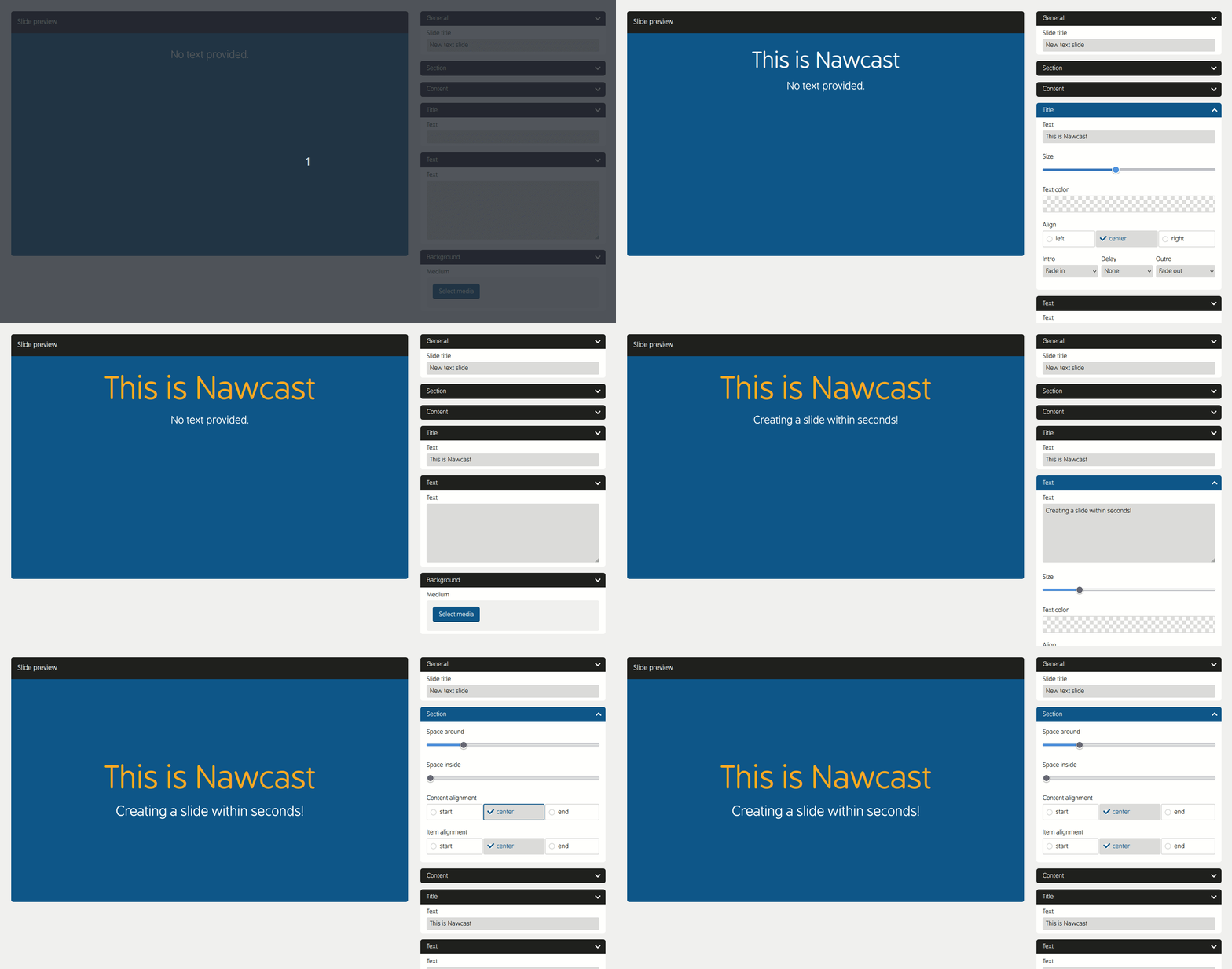
Media library
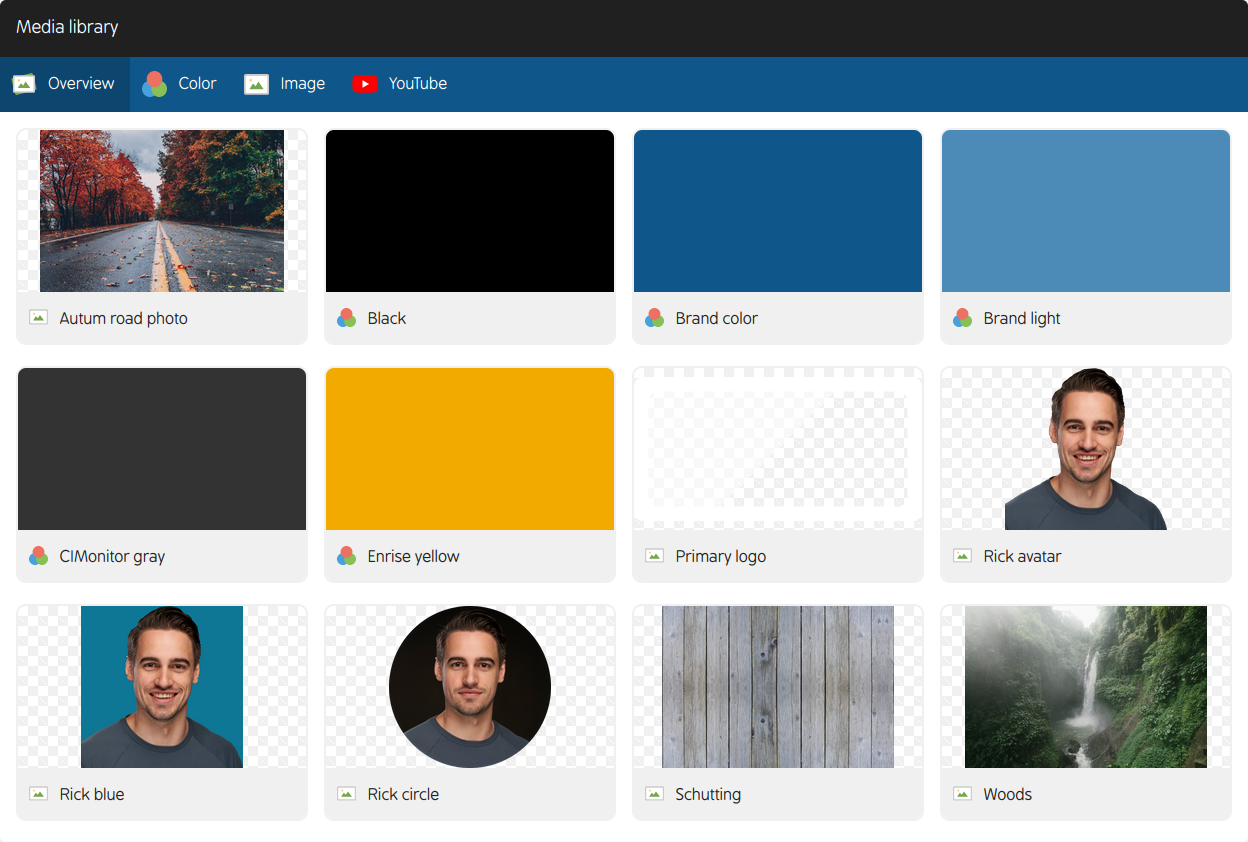
Every image, color and video you want to use lives in the media library of your narrowcasting. Add a photo once and pick it in any template, as the picture itself or as the background.
- Upload your own images
- Link images from the web
- Save colors you want to reuse
- Add YouTube videos
- Upload short videos
A template keeps the media you picked. When you add a new version of a photo, select it again in the templates where you want to use it.
Data sources
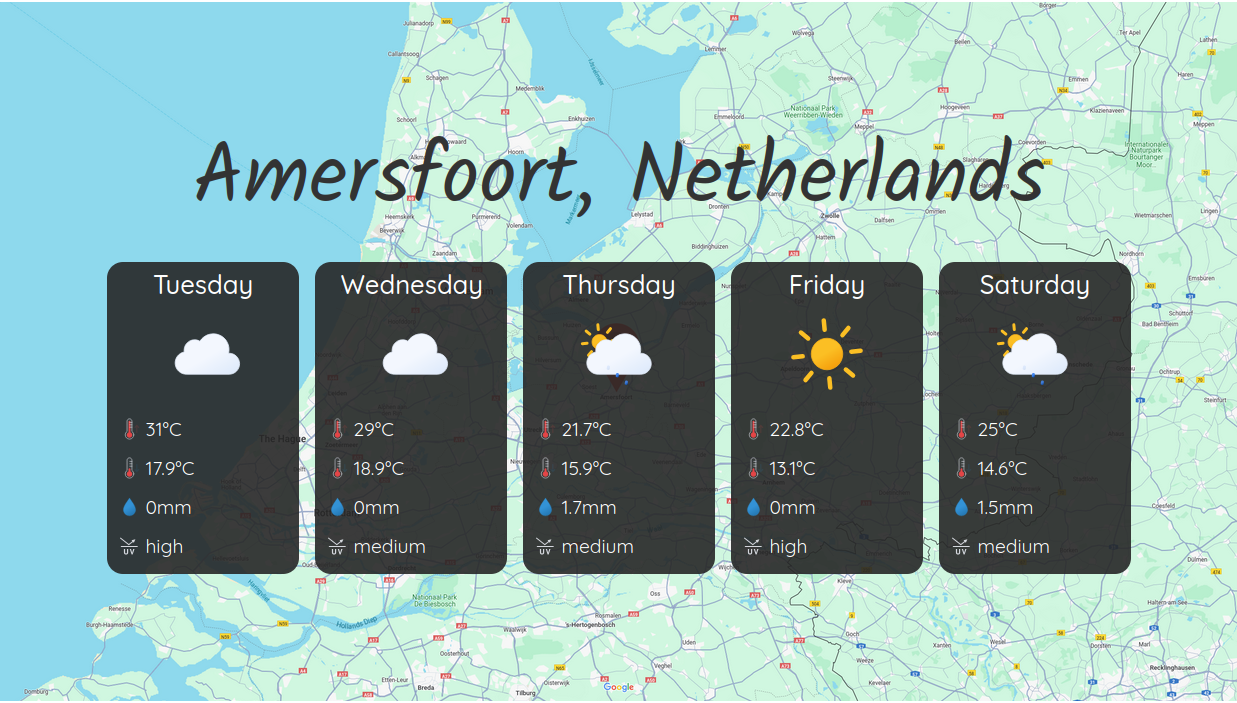
A data source lets Nawcast fetch content for you. Link a source to a template and the template fills itself and keeps itself up to date. You never have to edit that template again.
- JSON from an API or GraphQL
- XML from an API or RSS feed
- Weather forecast for your location
- Posts from a Bluesky account
- Posts from a Mastodon account
Displays
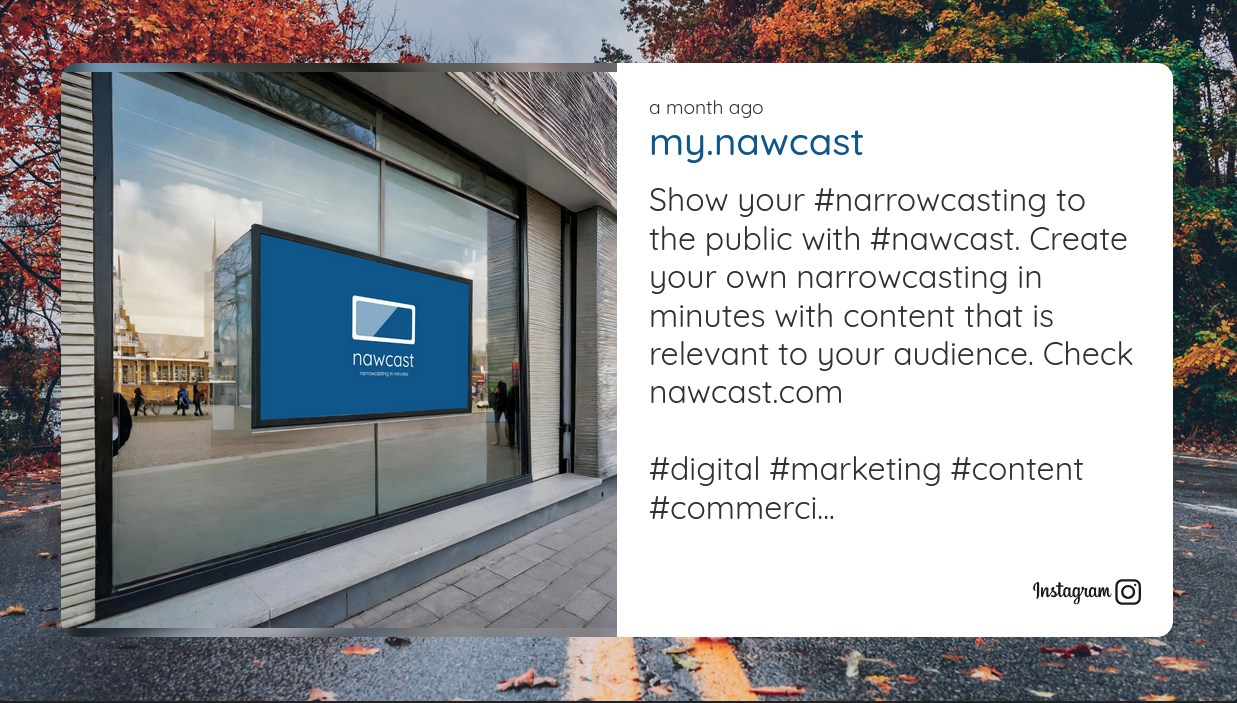
A display is a screen that runs one of your programs. Open the Nawcast runner in the browser of any device and it shows the program full screen. There is nothing to install and even older browsers work. There are two ways to start it:
- Create a display with its own fixed link and open that link on the screen. Change the program it runs whenever you like.
- Open the runner, read the six-character start code from the screen and enter it in the dashboard together with the program you want to run.
Changes you make to a program appear on the display by themselves.
Put it on your screen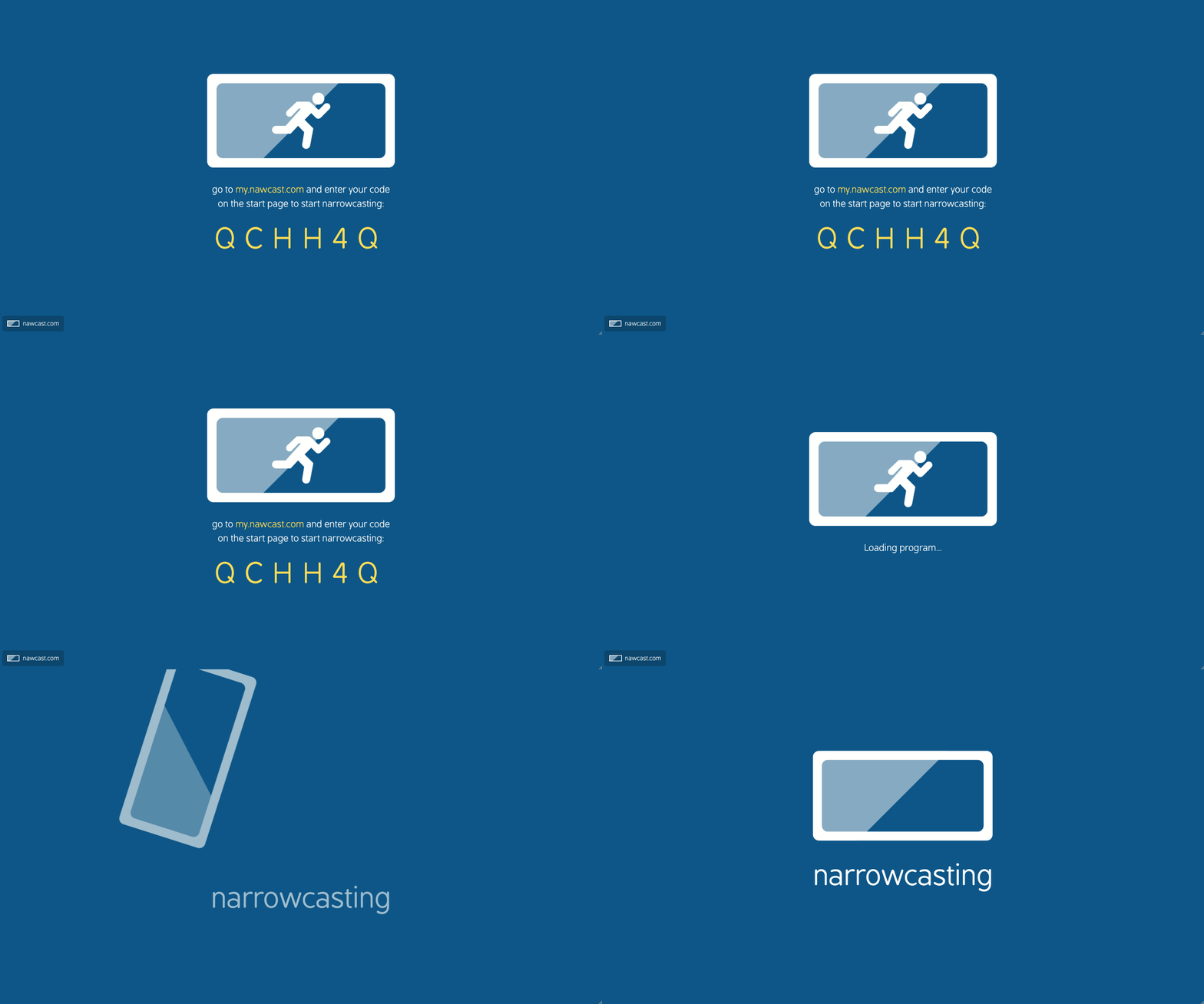
Looking for a specific task?
The frequently asked questions tell you where to go in the dashboard for the most common changes, from reordering templates to putting your show on a new screen.
Read the FAQConvinced?
Since you've made it so far, why not give Nawcast a try? It's free, and you can delete your account if its not what you need.